Pointer Cue Reviews — Discover what people think of this product.

Pointer Cue
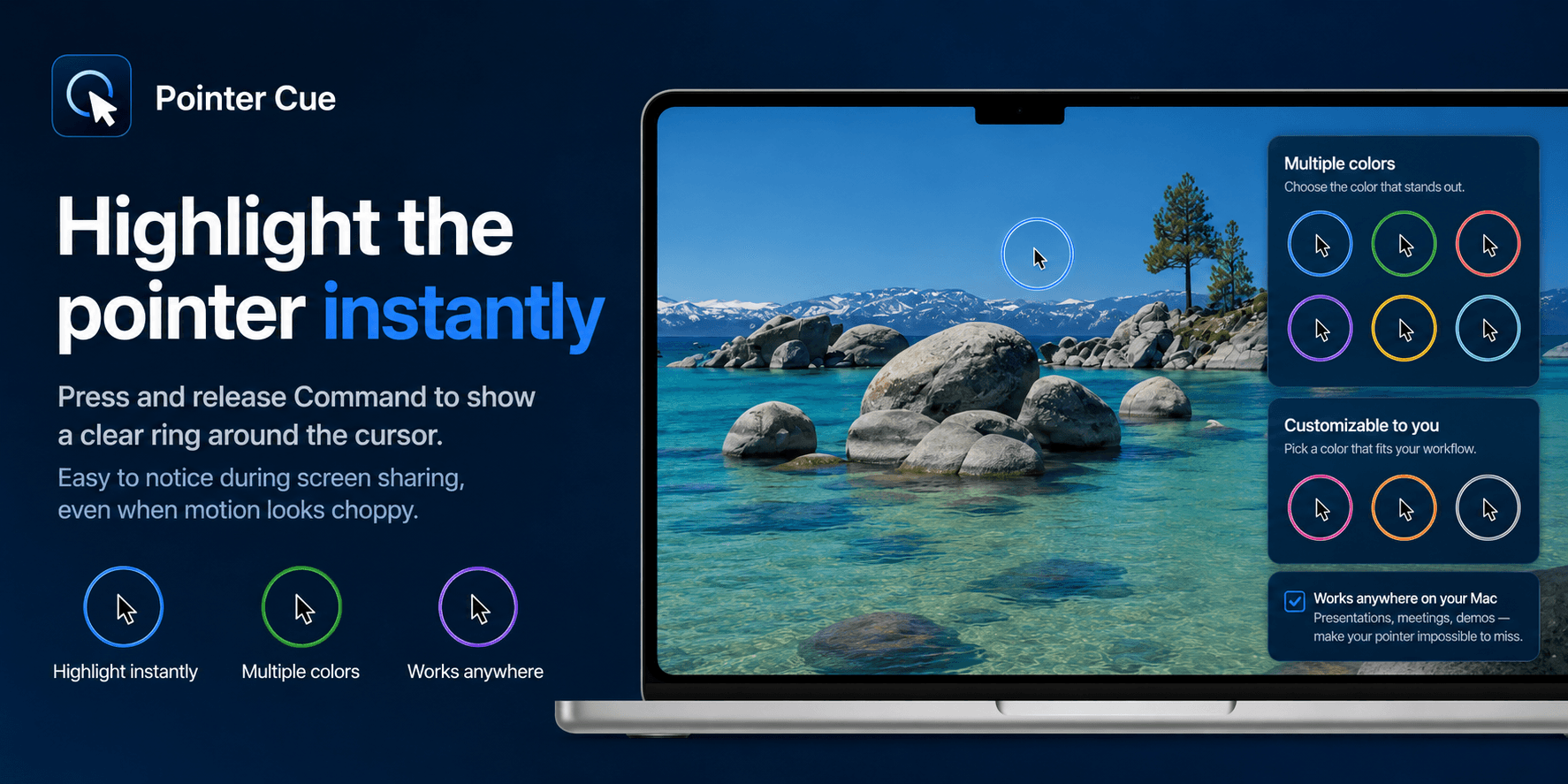
Make screen sharing easier to follow
- supporters
What does Pointer Cue help with?
Pointer Cue was built for people who explain software on screen.
During remote demos, sales calls, onboarding sessions, support calls, and product walkthroughs, viewers can easily lose track of the cursor. This becomes even worse when screen sharing has a low frame rate or delayed motion.
Pointer Cue focuses on a small set of visual cues that are useful in those situations:
- Highlight the mouse pointer so viewers can follow it
- Draw a temporary focus rectangle around important areas
- Guide attention without recording the screen
- Keep the workflow lightweight during live communication
It is useful for founders, indie makers, product teams, sales demos, customer support, online lessons, training sessions, and app development reviews.
Pointer Cue is not a full screen recording, whiteboard, or annotation suite. It is a simple desktop utility for making live screen explanations easier to follow.
Featured Today

Scale globally with less complexity
With Paddle as your Merchant of Record
Compliance? Handled
New country? Done
Local pricing? One click
Payment methods? Tick
Weekly Drops: Launches & Deals