1001 TVs Reviews — Discover what people think of this product.

1001 TVs
Screen Mirroring App
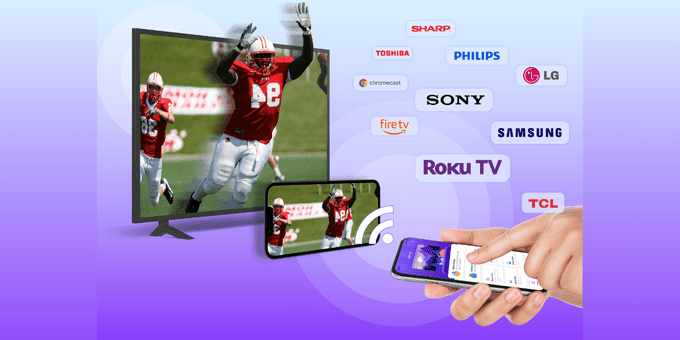
- supporters
What does 1001 TVs help with?
1001 TVs lets you cast your phone or tablet to Windows, Mac, Smart TV, Apple TV—even a web browser. You can also receive screen mirroring from other phones and PCs.
We are a professional team on screen mirroring, always focus on the core features:
-
Support landscape mode and portrait mode that keep same ratio with phone's screen;
-
Real-Time screen mirroring, keep best balance with low Latency and good quality;
-
Audio and video stay perfectly in sync
-
Mirror multiple phones to one PC at the same time
-
Automatically rotates screen to match your phone’s orientation
-
Fit, Fill, or Zoom mode to remove black borders
-
Support screen mirroring to older devices that don't support AirPlay or Miracast.
-
Mirror to any browser (like Chrome) — no app needed on the receiver side
-
Live Camera Mirroring — mirror what your camera sees to a big screen in real time. Great for selfies, support mirror flip.
-
Whiteboard — draw or write and share in real time on TV or PC
Also provide additonal features:
-
Photo Albums — Upload and display photos on your TV
-
Web Streaming — Stream videos, music, and images to Smart TVs or DLNA/UPnP devices
-
Fast File Transfer — Quickly send files between devices without cables
How to Get Started?
Install 1001 TVs on your phone and the device you want to cast to (PC, TV or tablet)
Connect both devices to the same Wi-Fi network
Open the app, select a device, and start mirroring
No cables, no complicated setup — just tap and go.
Featured Today

Scale globally with less complexity
With Paddle as your Merchant of Record
Compliance? Handled
New country? Done
Local pricing? One click
Payment methods? Tick
Weekly Drops: Launches & Deals