This task can be performed using Recordly
Open‑source screen recorder with cinematic cursors and minimal UI
Best product for this task

Recordly
oss
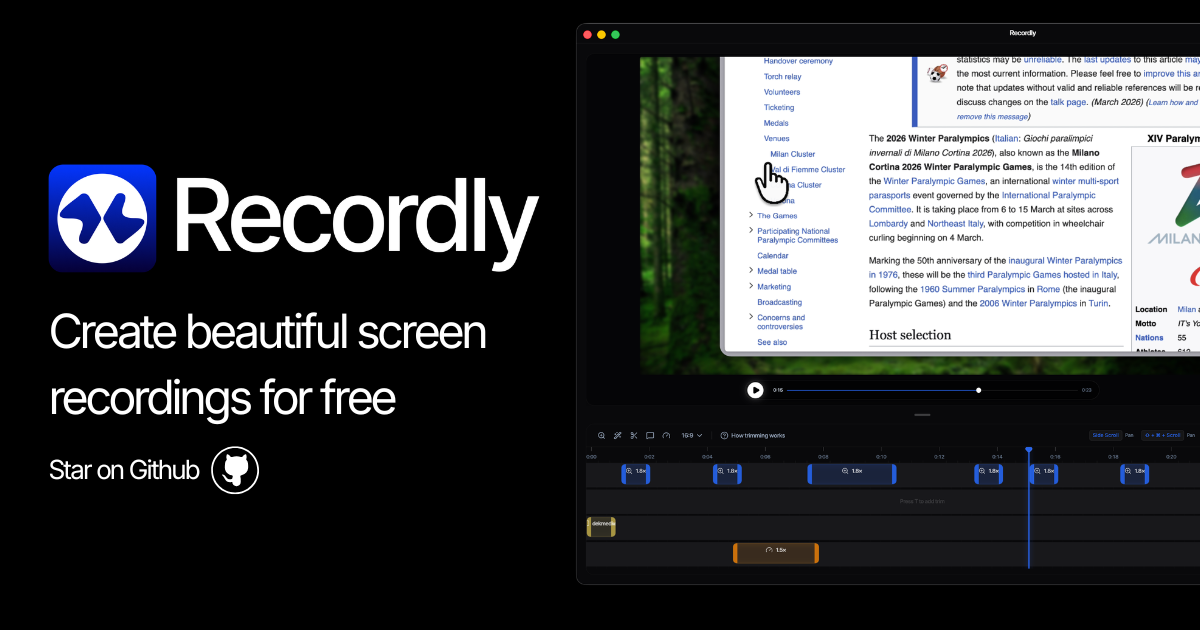
Recordly is an open-source screen recorder for MacOS, Windows, and Linux that adds auto-zoom, animated cursors, and dynamic webcam bubbles for polished demos and tutorials. Edit timelines, sync audio, and export MP4 or GIF files while saving reusable project files for ongoing work.
What to expect from an ideal product
- Recordly automatically zooms in on your cursor movements and clicks, eliminating the need to manually adjust zoom levels during recording or editing afterward
- The built-in timeline editor lets you fine-tune zoom timing and intensity without switching between multiple software programs
- Smart cursor animations highlight important actions and clicks, making your screen recordings look polished and easy to follow
- You can capture both your screen and audio narration simultaneously, then export directly to professional video formats or GIFs
- The annotation tools and custom background options help you create branded, professional-looking demos that stand out from basic screen captures