This task can be performed using Usecomputer
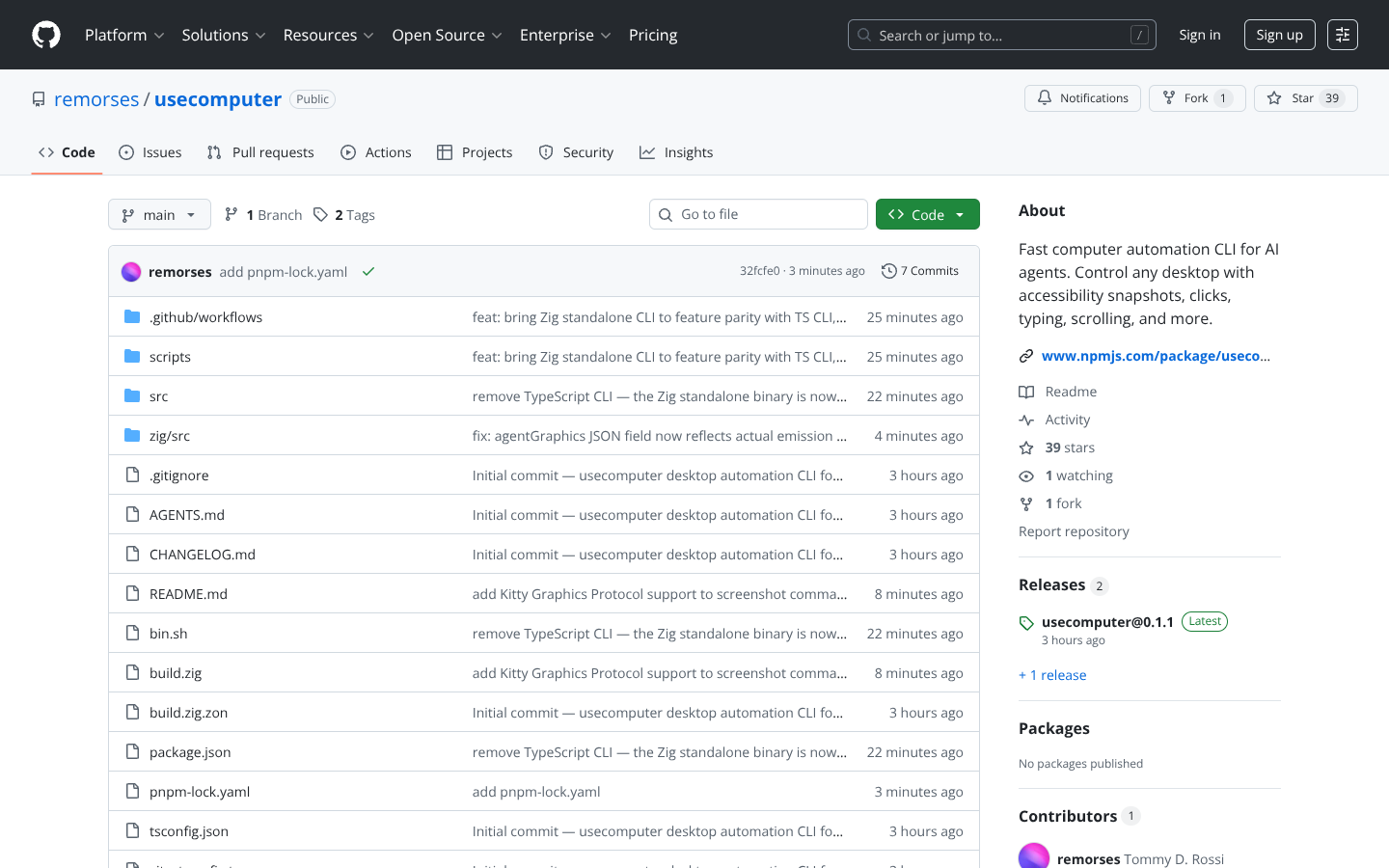
Fast computer automation CLI for AI agents. Control any desktop with accessibility snapshots, clicks, typing, scrolling, and more. - remorses/usecomputer
Best product for this task

Usecomputer
tech
Fast computer automation CLI for AI agents. Control any desktop with accessibility snapshots, clicks, typing, scrolling, and more. - remorses/usecomputer
What to expect from an ideal product
- Provides a command-line interface that lets you automate mouse clicks on any button, menu, or interface element across different desktop programs
- Captures accessibility snapshots of your screen so you can target specific elements and see what's happening during automation
- Handles keyboard input simulation to fill forms, enter text, and trigger keyboard shortcuts in any application
- Controls scrolling actions to navigate through long documents, web pages, or lists within desktop software
- Works as a universal automation tool that doesn't require specific integrations with individual applications