This task can be performed using ChatCut
Turn simple prompts into fully edited, AI-powered videos.
Best product for this task

ChatCut
ai
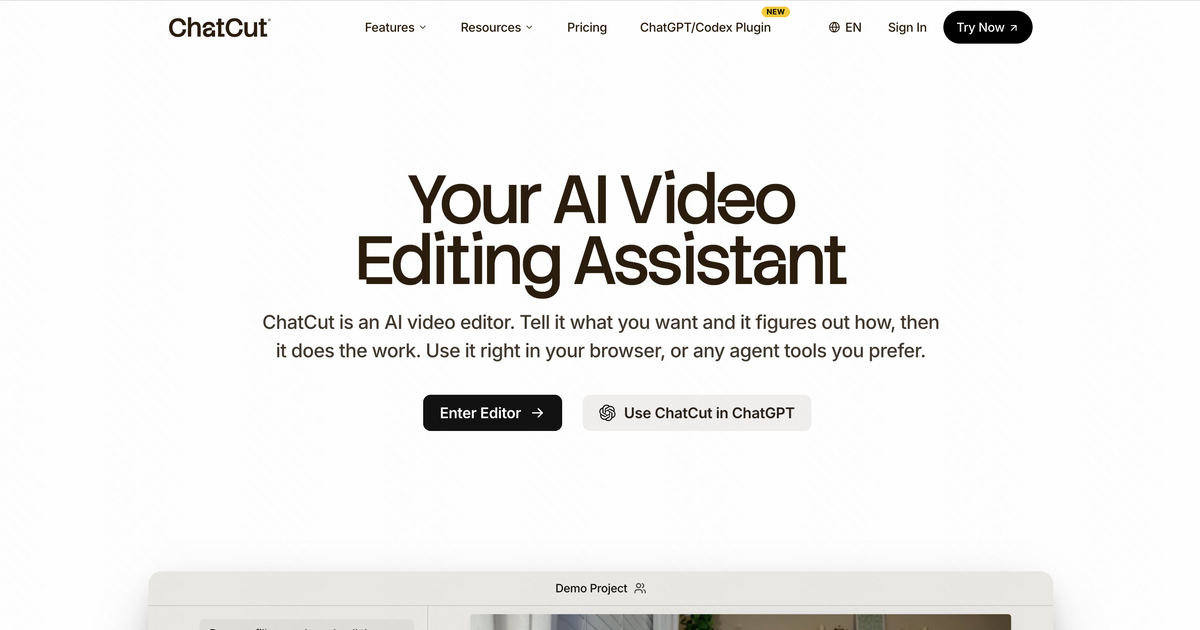
ChatCut is an AI video editor that turns natural-language prompts into complete, on-brand edits. It assembles cuts, adds motion graphics, captions, and AI-generated visuals, while letting you edit talking-head videos directly from the transcript.
What to expect from an ideal product
- ChatCut reads plain-text prompts and assembles cuts, transitions, and motion graphics without requiring a single drag on a timeline — ideal for creators who script their videos before editing.
- Talking-head footage becomes a clean, polished edit by letting you trim silences, filler words, and retakes directly from the auto-generated transcript, cutting review time significantly.
- AI-generated visuals are inserted automatically to fill b-roll gaps, so you can ship a fully illustrated video without sourcing stock footage or opening a separate design tool.
- Captions are added, styled, and synced in the same workflow as the rest of the edit — no exporting to a third-party subtitling app and reimporting a burned-in file.
- Teams maintaining a consistent visual identity can apply on-brand colors, fonts, and graphic templates once, then let ChatCut reproduce that look across every new video generated from a prompt.