This task can be performed using Filly AI
Fill any PDF or Word form in seconds with AI
Best product for this task

Filly AI
productivity
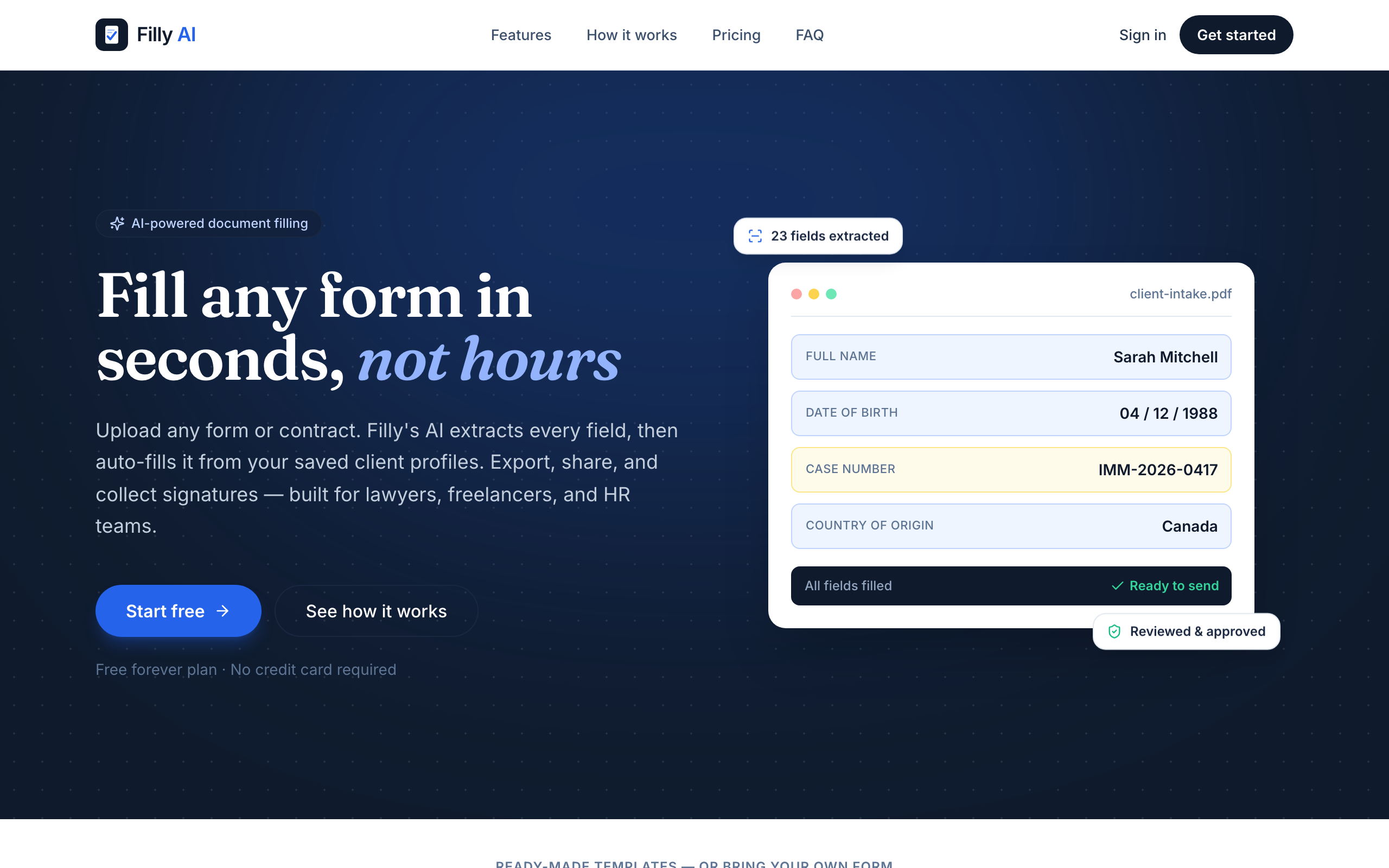
Filly AI reads any PDF or Word form, extracts every field, and autofills it from a saved client profile in seconds. Review and adjust the placement, export a pixel-perfect document, share a no-login link for review, or collect an e-signature with a full audit trail. Includes built-in IRS forms (W-9, W-4, I-9), 25 ready-made templates, and an AI assistant that answers questions while you fill.
What to expect from an ideal product
- Filly AI extracts every field from any uploaded PDF or Word form and maps them directly to a saved client profile, so you never manually retype a name, address, or tax ID across multiple documents.
- Once a client profile exists, the same data autofills any new form in seconds — useful for teams that handle recurring paperwork like onboarding packets, contracts, or compliance documents for the same client.
- After autofilling, you can review field placement visually, make inline adjustments, and export a pixel-perfect PDF — no formatting breaks, no misaligned text boxes.
- Share a no-login review link with clients or collect a legally valid e-signature backed by a full audit trail, removing the back-and-forth of email attachments and printed forms.
- Built-in support for IRS forms W-9, W-4, and I-9 — plus 25 ready-made templates and an AI assistant you can ask questions mid-form — means you start filling immediately without hunting for the right document version.